
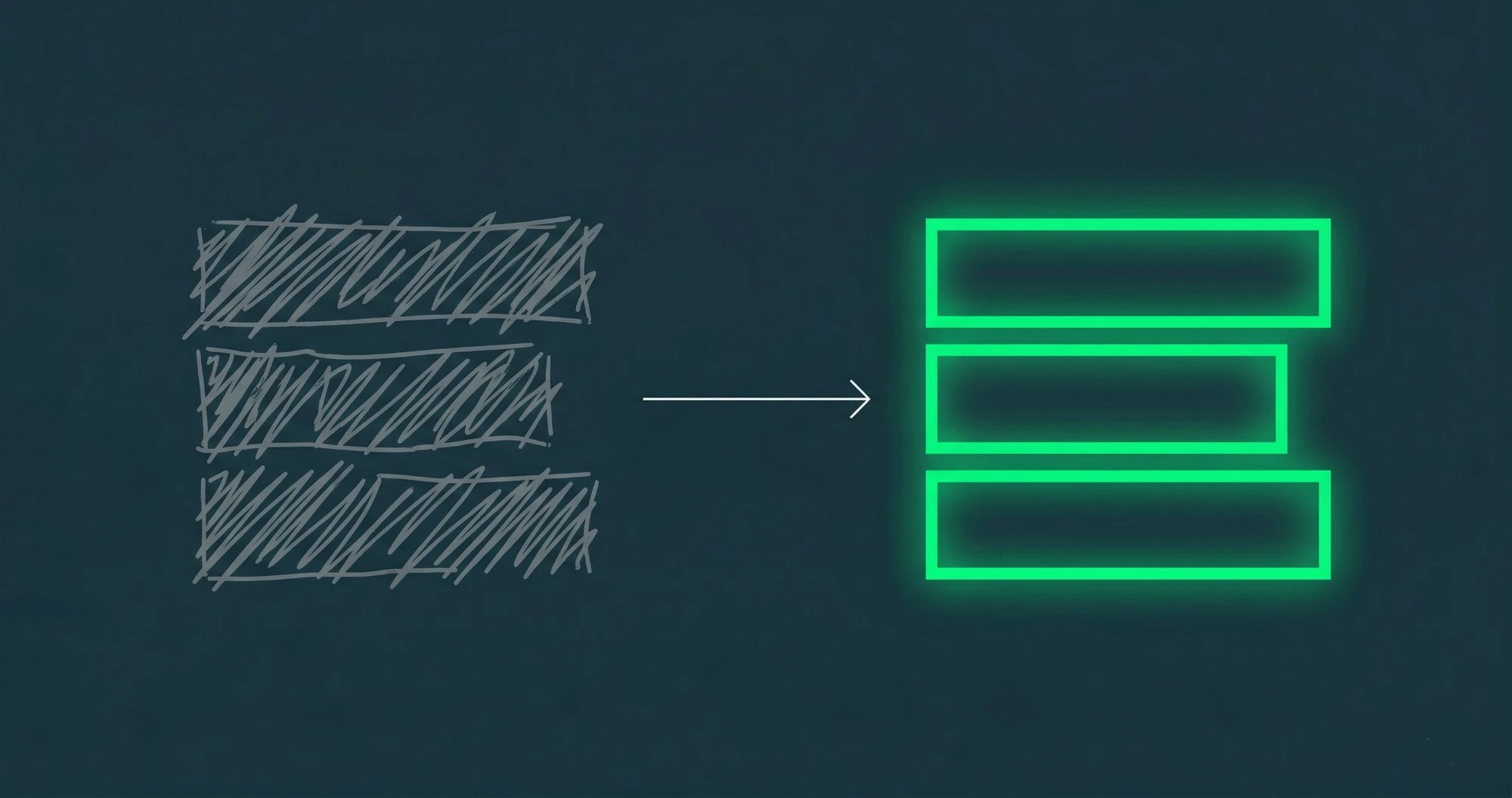
You type a reply when frustrated. You read it back. It sounds angry. You soften it. Now it sounds passive-aggressive. You rewrite again. Twenty minutes later, you have three sentences.
Tone is the hardest part of written communication. Without vocal cues, every word carries outsized weight. Kerna's Tone & Polish feature takes the guesswork out of how your message will be received.
How Rewriting Works
Select any text in your compose window — a draft reply, a forwarded message, or a quick note — and click Rewrite. Kerna offers several transformation modes:
More Professional — Elevates casual language to business-appropriate register. Removes slang, tightens structure.
More Friendly — Softens formal language. Adds warmth without losing substance.
More Concise — Strips filler words, eliminates redundancy, and cuts to the core message. A 200-word paragraph becomes 80 words.
More Empathetic — Adjusts phrasing to acknowledge the reader's situation. Useful for difficult conversations, rejections, or sensitive feedback.
Grammar & Clarity — Fixes grammatical errors, improves sentence structure, and enhances readability without changing your intent.
The Non-Native Speaker Advantage
For professionals writing in a second language, Tone & Polish is transformative. You write naturally in your own style, and Kerna polishes it to native-level fluency. No awkward phrasing, no misused idioms, no grammatical artifacts that signal "this person is not a native speaker."
This is not about replacing your voice. It is about removing the barriers that prevent your expertise from being taken seriously.
Before & After
Before: *"We need talk about the budget problem. The numbers is not matching what we discussed. Please to fix this before Friday."*
After: *"I'd like to discuss the budget discrepancy. The current figures don't align with what we agreed upon. Could you please address this by Friday?"*
Same message. Same intent. Dramatically different perception.
Iterative Editing
Kerna does not force a single rewrite. You can run multiple passes — first tighten the structure, then adjust the tone, then polish the grammar. Each pass builds on the previous result.
Tone & Polish is available on Pro, Business, and Enterprise plans with GPT-5.6. This advanced editing feature is not included on Starter or Standard tiers. Upgrade to Pro to unlock the full suite: Compose, Extract, and Rewrite.